How to Use a Custom Domain in a Funnel
Before publishing a bucket.io quiz with a Custom Domain, the domain needs to be configured as explained in the following Help Article: Add a Custom Domain
Step 1: Go to Publish
On the quiz that is ready for Publishing, please go to the Publish section. If the quiz is an embeddable type of quiz (Button, Splash, Entry or Exit) a Custom Domain might not be needed since it will not be visible, different from Full page type of quizzes where the URL is visible.
Step 2: Select the Custom Domain
Once in Publish, please click on the drop-down menu and select the Custom Domain that will host the Quiz.
If the domain is not in the domain drop-down menu please reach out to support@bucket.io for further help.
Step 3: Publish the quiz.
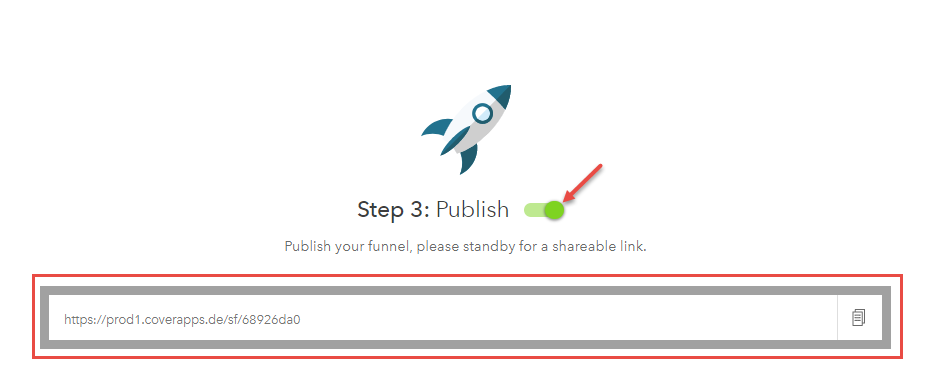
Once the custom domain is selected and the quiz is ready for publish, Please click on the Publish toggle, and bucket.io will generate a unique URL for the quiz using the Custom Domain Selected.