How to Create an Outcome Page
Step 1: From the navigation bar, select Build.

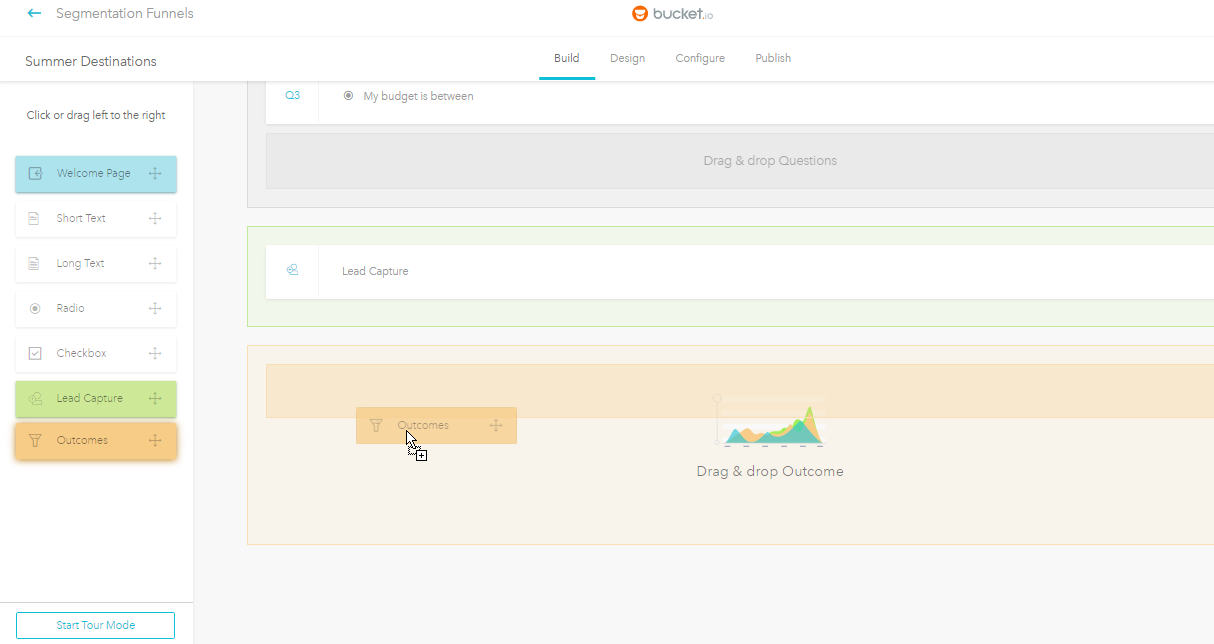
Step 2: Click the Outcomes button.

Alternatively, you can drag and drop the Outcomes button to the "Drag & drop Outcomes" area to begin creating this page.
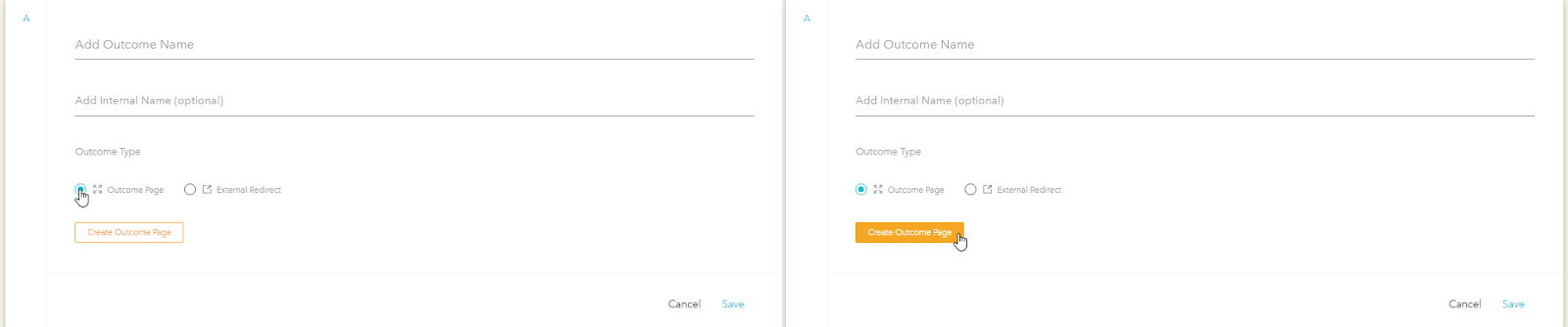
Step 3: Click the Outcome Page radio button.

Step 4: Click the Create Outcome Page button.

Step 5: Customize your Outcome Page.
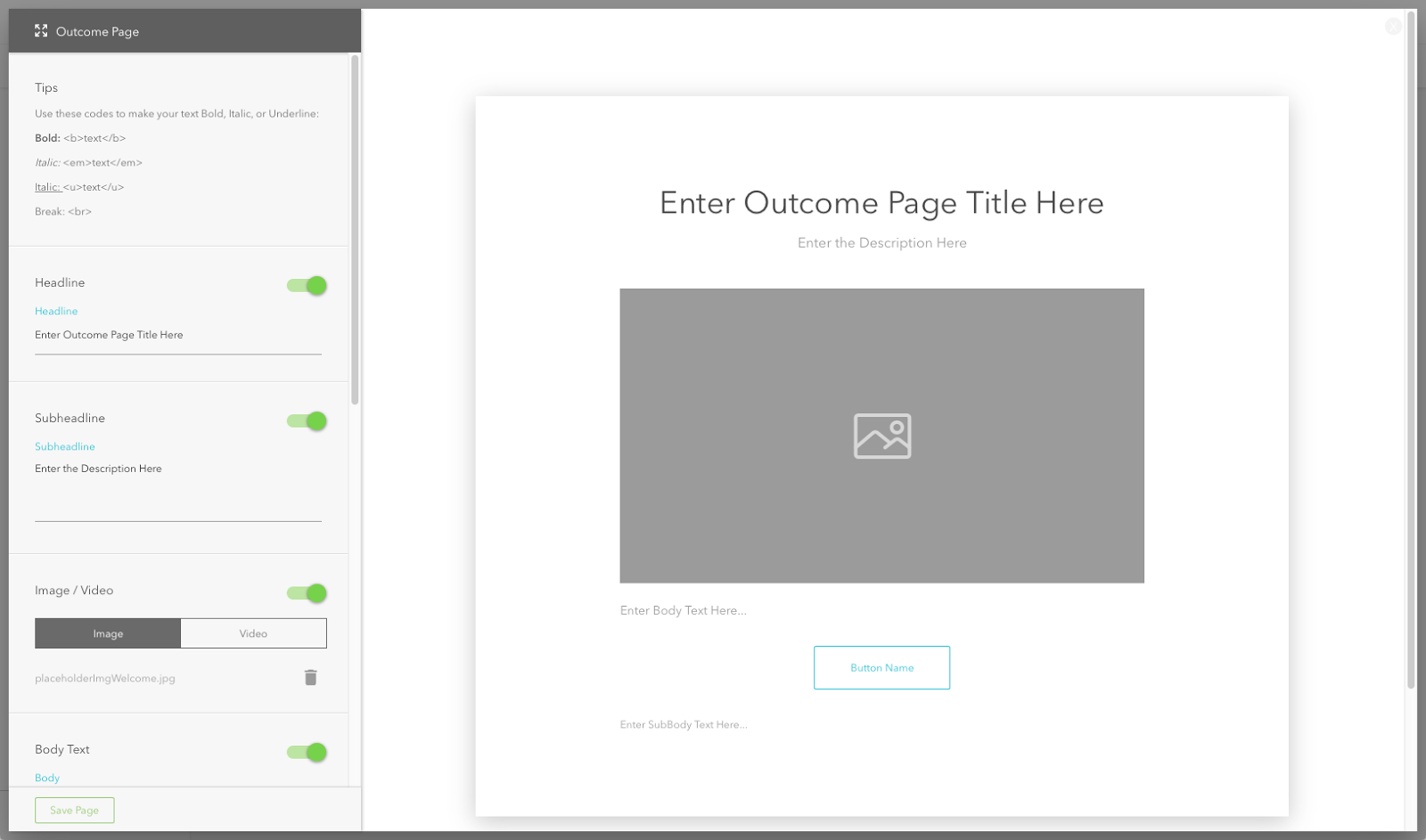
The Outcome Page will appear. Use the Outcome Page creator on the left to customize your page.
The customization options, with the exception of Button and Background, have a switch (ON by default) that you can toggle to enable or disable the component.
Headline
Provide a headline, or title, for your page.
Subheadline
Include a subheadline, or subtitle, if needed.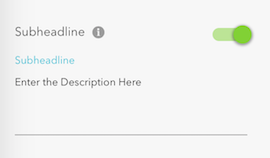
Image / Video
Include images or video.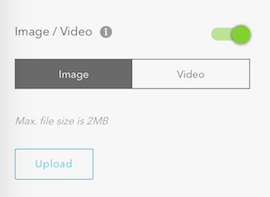
Body Text
Add content below the image or video.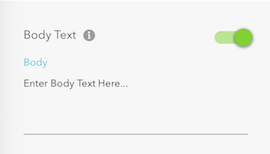
Button
Name your button.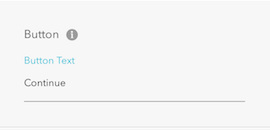
Sub Body Text
Add a URL or a company name.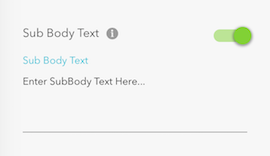
Background
Select a background image or color.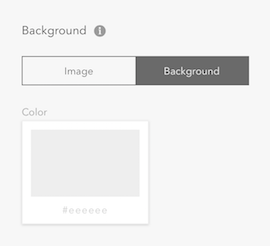
Save Page
Click this button to save your changes.
Below is an example of a completed Outcome page.